
What Is Decision Authority?
For enterprise leaders and operators: understand how decision authority differs from system access and capability, and how to clarify who can decide, under what conditions and what to do when authority is unclear.
On this page
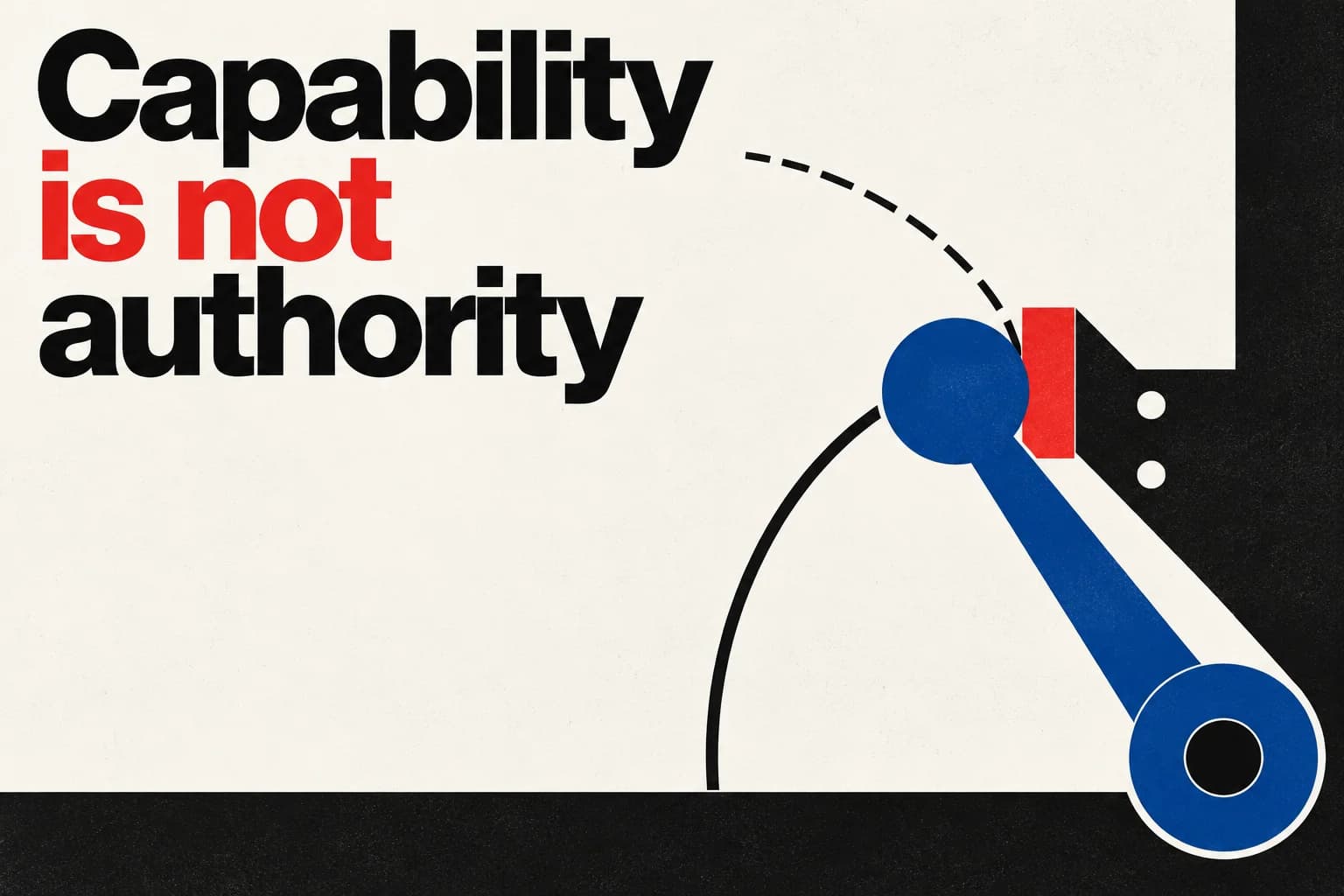
Decision Authority is the permission for a person, role or system to make a decision, commit the organisation or change something on its behalf within a defined scope. It is different from having access to information or the technical ability to act.
That distinction matters whenever an AI-enabled workflow could make a business commitment. A system may be able to change a price; that does not, by itself, mean it is authorised to offer a customer a concession.
Separate access, capability and authority#
Access asks: Can this person or system see the information or use the tool? Capability asks: Can it perform the action? Decision Authority asks: Is it permitted to make this particular decision here, under these conditions?
A person may have access to a pricing system without authority to change every price. An AI may be able to send a message or update a record without being authorised to make the commitment that action implies. A system’s degree of autonomy does not establish which decisions it may make.
A useful way to examine authority is to ask about five things:
- Source and provenance: Where does the relevant information or rule come from, and who owns it?
- Context and scope: Which role, customer, market, task or situation does it apply to?
- Decision relevance: What choice could this information change?
- Authority: Who may decide, and who may only provide information, analysis or execution?
- Review and revision: How can the decision be challenged or updated when its basis changes?
These questions are a conceptual lens, not a validated control framework or a guarantee of sound decisions. They help make a decision-specific mandate visible rather than treating software permissions as a substitute for it.
Apply the distinction to a real decision#
Consider an illustrative sales workflow connected to a system that can update prices. A customer asks for a discount. The system can enter a lower price, but that capability does not show whether the salesperson or system may offer the concession.
To examine the boundary, write down six things:
- The decision: What specific choice or commitment is being made? “Handle the customer request” is too vague.
- The authorised role: Who may decide? Distinguish the decision-maker from anyone who can advise, prepare or execute the action.
- The scope and conditions: When does the authority apply? Note relevant limits, such as customer, market, contract, amount or timing.
- The evidence: Which source informs the decision, who owns it, and is it current and relevant?
- The exception: Is there a permitted exception? If so, who can approve it and under what conditions?
- The unclear case: What happens if authority, scope or evidence is missing, conflicting or uncertain?
For the pricing example, a short record might look like this:
| Question | Example answer |
|---|---|
| Decision | Offer a price concession to this customer |
| Authorised role | Sales may approve concessions within its documented limit |
| Scope and conditions | Applies to this market and contract type |
| Evidence | Current pricing policy, owned by the pricing team |
| Exception | Above-limit concessions require approval from the designated approver |
| If unclear | Do not promise the concession; seek clarification or approval |
This is a proposed evaluation aid, not a tested standard. The example does not specify an actual discount limit, role structure or policy; in a real workflow, those details must come from the organisation’s authoritative sources.
The answers should help an operator choose among three outcomes:
- Proceed when the decision, authority, scope and supporting evidence are clear.
- Seek approval when the action exceeds the stated mandate but an authorised exception route exists.
- Pause for clarification when authority, policy or evidence is missing or contradictory.
A useful test is whether the workflow can reject or escalate an action outside its mandate—not merely complete one that fits the expected path.
NIST’s AI Risk Management Framework 1.0 calls for clear, documented roles and responsibilities for AI risk management, and for policies that differentiate roles and responsibilities in human–AI configurations. It supports making responsibilities explicit; it does not define Decision Authority as used here or show that any particular product enforces it. NIST, Artificial Intelligence Risk Management Framework (AI RMF 1.0)
Treat approval as a decision, not a button#
An approval button or human sign-off is not, by itself, evidence that a decision was properly authorised or meaningfully reviewed. The assigned person needs to know what decision is proposed, see enough of its relevant basis to assess it, have authority to challenge it, and be able to stop or change the action.
That does not mean every workflow needs human approval. NIST’s framework discusses human oversight in the context of organisational policies and risk management; it does not establish approval as a universal requirement. NIST, AI RMF 1.0, including Appendix C
Legal requirements also depend on scope. Article 14 of the EU AI Act sets out human-oversight requirements for high-risk AI systems within the Act’s scope. It includes the ability of assigned people to monitor and interpret system operation, disregard or override outputs, and intervene or stop the system where appropriate. It is not a general rule that every business AI workflow must use human approval. European Commission, AI Act Service Desk, Article 14: Human oversight
Record the decision, authorised role, scope, evidence and exception route where the people responsible can find them. Revisit that interpretation when the policy, role, customer context or supporting evidence changes. A system credential shows what the software permits; the decision boundary clarifies what the organisation has authorised in context.